Understanding Virtual Terminal
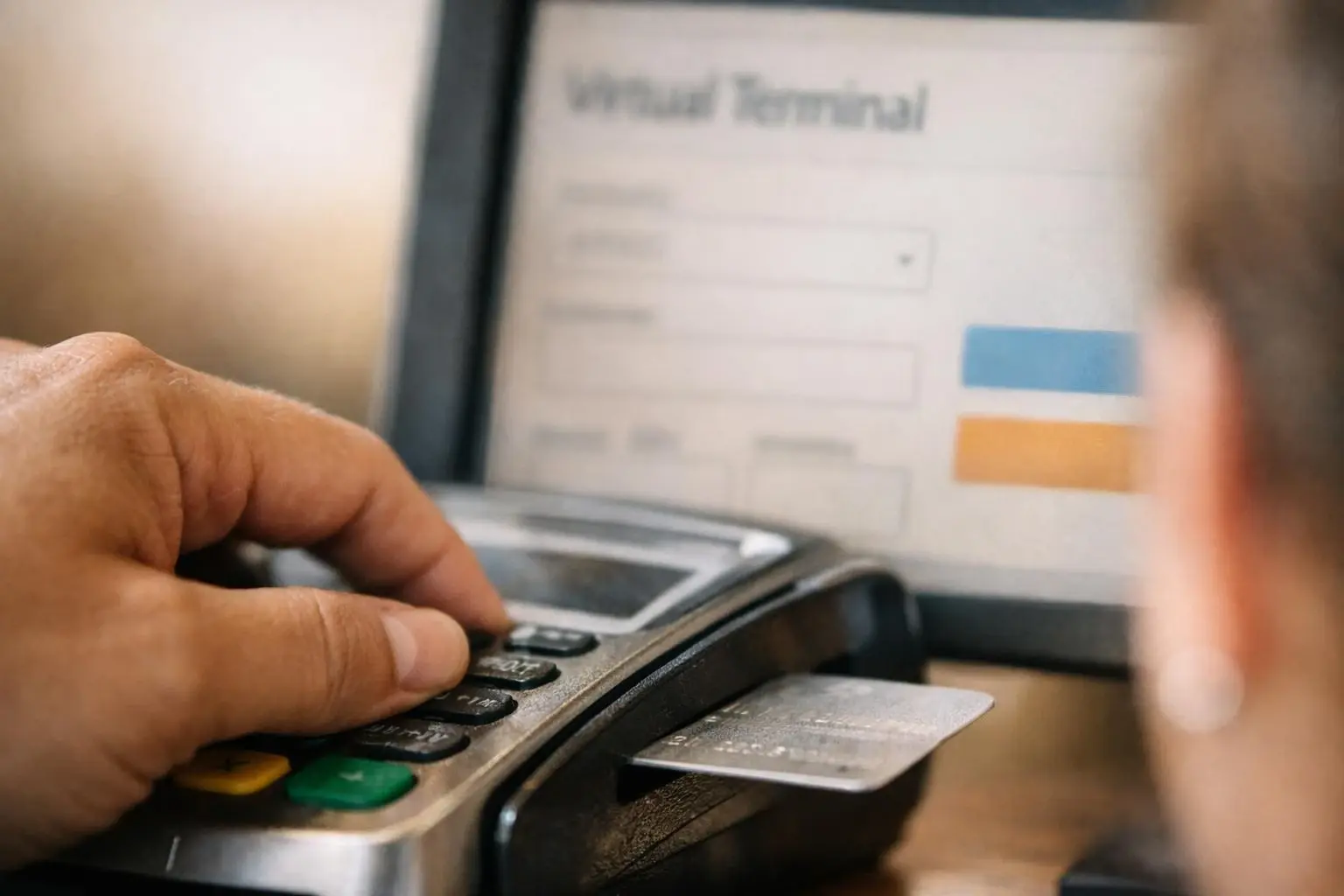
A Virtual Terminal is a secure, web-based portal that transforms any internet-connected device into a payment processing station. Unlike traditional point-of-sale (POS) systems that rely on card readers or NFC taps, a Virtual Terminal allows merchants to manually key in card details—such as the card number, expiration date. And CVV—directly into a browser interface. This capability is essential for businesses that accept payments over the phone, through mail orders. Or via invoicing, where the physical card is not available for swiping or dipping.
Virtual Terminals are hosted by payment processors or merchant service providers and are accessible via a login portal. They're designed to be intuitive, with fields for entering transaction amounts, customer details. And payment information. Once submitted, the transaction is routed through the payment network for authorization, just like a card-present transaction. But with additional fraud checks due to the higher risk of card-not-present environments. Security is a critical component, as merchants must ensure compliance with Payment Card Industry Data Security Standard (PCI DSS) requirements when handling sensitive cardholder data.
How Virtual Terminal Works?
The workflow of a Virtual Terminal begins when a merchant logs into the secure portal provided by their payment processor. The interface typically includes fields for entering the transaction amount, card number, expiration date, CVV code. And billing address. Some Virtual Terminals also support additional features, such as saving customer profiles for recurring payments, issuing refunds. Or generating receipts. Once the merchant submits the transaction, the Virtual Terminal sends the payment details to the processor, who then forwards the request to the card network (e.g., Visa, Mastercard) for authorization.
If the transaction is approved, the funds are held for settlement, which usually occurs within one to two business days. The merchant receives a confirmation of the approved transaction. And the customer’s account is charged. Virtual Terminals often include tools for managing transactions, such as viewing transaction history, generating reports. Or processing chargebacks. Because these transactions are card-not-present, they are subject to higher interchange fees and may require additional fraud prevention measures, such as Address Verification Service (AVS) or Card Verification Value (CVV) checks, to reduce the risk of fraudulent activity.
Why Virtual Terminal Matters?

Virtual Terminals provide flexibility and accessibility for businesses that operate outside traditional retail environments. For example, service-based businesses, such as consultants, contractors. Or medical professionals, often rely on phone or mail orders to accept payments. Without a Virtual Terminal, these businesses would need to invest in expensive POS hardware or resort to less secure methods, such as writing down card details for later processing, which violates PCI DSS compliance. Virtual Terminals eliminate these risks by offering a secure, centralized platform for processing payments remotely.
And Virtual Terminals can reduce operational friction for businesses that handle a mix of in-person and remote transactions. Instead of maintaining separate systems for card-present and card-not-present payments, merchants can use a single Virtual Terminal to manage all transactions from one dashboard. This streamlines reconciliation, reporting. And customer service, as all payment data is stored in one place. For businesses with seasonal or fluctuating sales volumes, Virtual Terminals also offer scalability, as they require no upfront hardware costs and can be accessed from any device with an internet connection.
When Virtual Terminal Matters Most?
Virtual Terminals are particularly valuable in scenarios where physical card readers are impractical or unnecessary. Businesses that take orders over the phone, such as restaurants offering delivery, retail stores handling phone orders. Or professional services scheduling appointments, rely on Virtual Terminals to process payments securely. Similarly, mail-order businesses, such as catalog retailers or subscription services, use Virtual Terminals to manually enter payment details from order forms or invoices. Even in-person businesses may use Virtual Terminals as a backup solution if their primary POS system fails, ensuring uninterrupted payment processing.
Virtual Terminals also play a critical role in industries where recurring billing is common, such as membership-based organizations, subscription services. Or utility providers. Merchants can store customer payment details securely within the Virtual Terminal (if PCI-compliant) and process recurring charges without requiring the customer to re-enter their card information each time. But businesses must balance convenience with security, as storing cardholder data increases the risk of data breaches. To mitigate this risk, many Virtual Terminals integrate with tokenization, which replaces sensitive card details with unique identifiers, reducing the merchant’s PCI compliance scope.